Key takeaways
- On PC and laptop, press 1 to hold the knife, then press E or right-click to throw it.
- On mobile and tablet, tap the throw button, then tap the player you want to hit.
- On Xbox, LB equips the knife, LT throws it and RT stabs.
- No setting is needed. Every knife throws the same way; rarity only changes how it looks.
The short answer
When you are the Murderer in Murder Mystery 2, you can stab players up close or throw your knife at them from a distance:
| Device | Hold the knife | Throw it |
|---|---|---|
| PC and laptop | Press 1 | Press E or right-click (holding left-click also throws) |
| Mobile and tablet | Tap the knife | Tap the throw button, then tap a player |
| Xbox | LB | LT (RT stabs) |
You do not need to change any setting. The throw works in every round where you are the Murderer.
How to throw the knife on PC and laptop
- Press 1 to take out your knife.
- Aim at a player with your mouse or touchpad.
- Press E or right-click to throw. Holding left-click throws too.
On a laptop without a mouse, the keyboard is enough: 1 to hold, E to throw, and the touchpad to aim.
How to throw the knife on mobile and tablet
- Tap your knife to hold it.
- Tap the throw button.
- Tap the player you want to hit. Wait until they have fully loaded: a green icon appears on them when the throw can land.
How to throw the knife on Xbox
Press LB to equip the knife, LT to throw and RT to stab. The MM2 wiki notes that a PS4 controller connected by Bluetooth does not work for this on PC.
Why your knife throw is not working
- You are not the Murderer. Only the Murderer gets a knife in a round.
- You have not equipped it. Press 1 (or LB, or tap the knife) first.
- On mobile, the target has not loaded. Wait for the green icon before you tap them.
Does a rarer knife throw better?
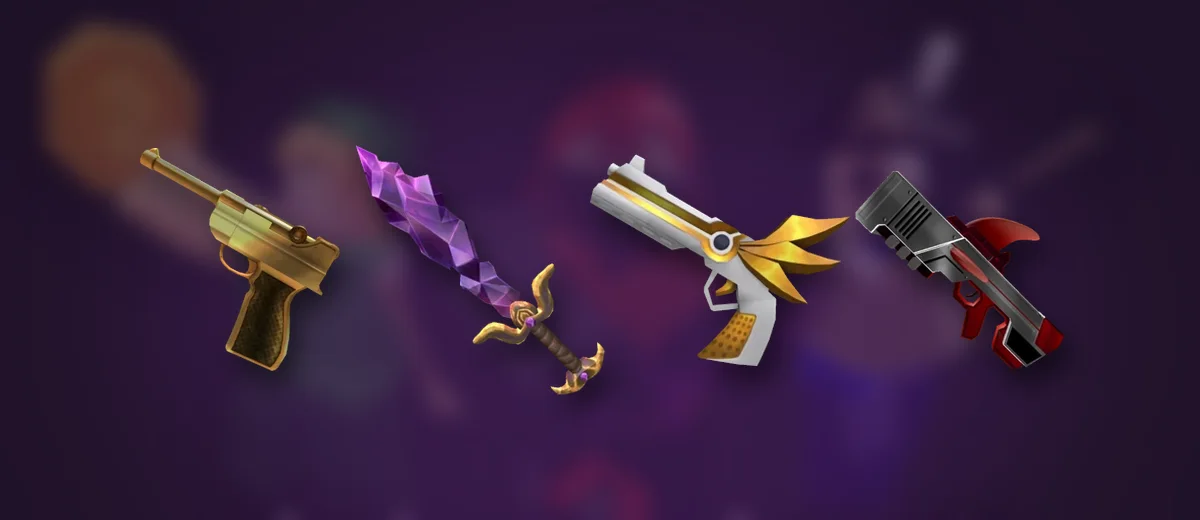
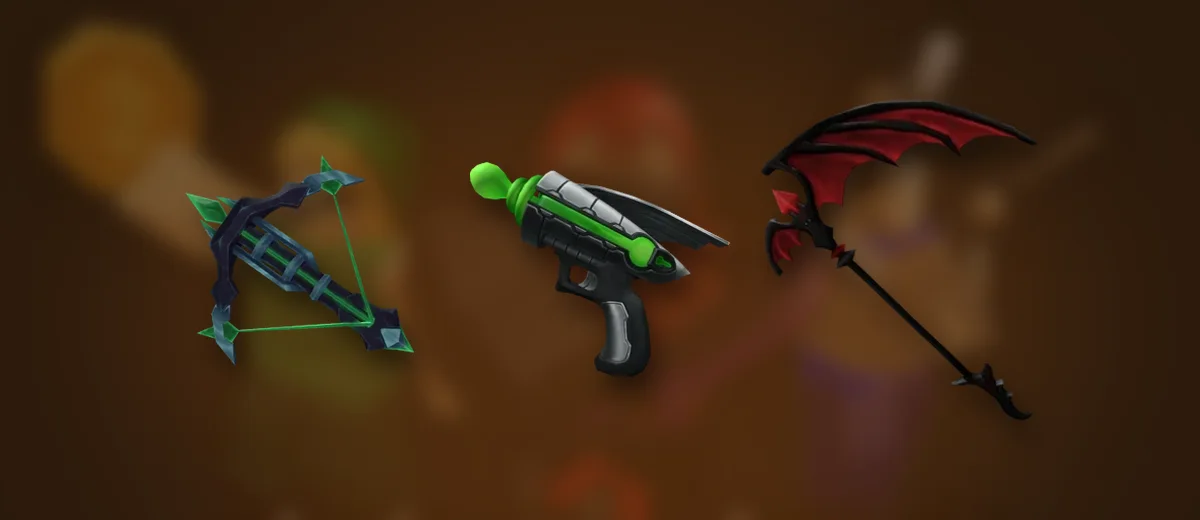
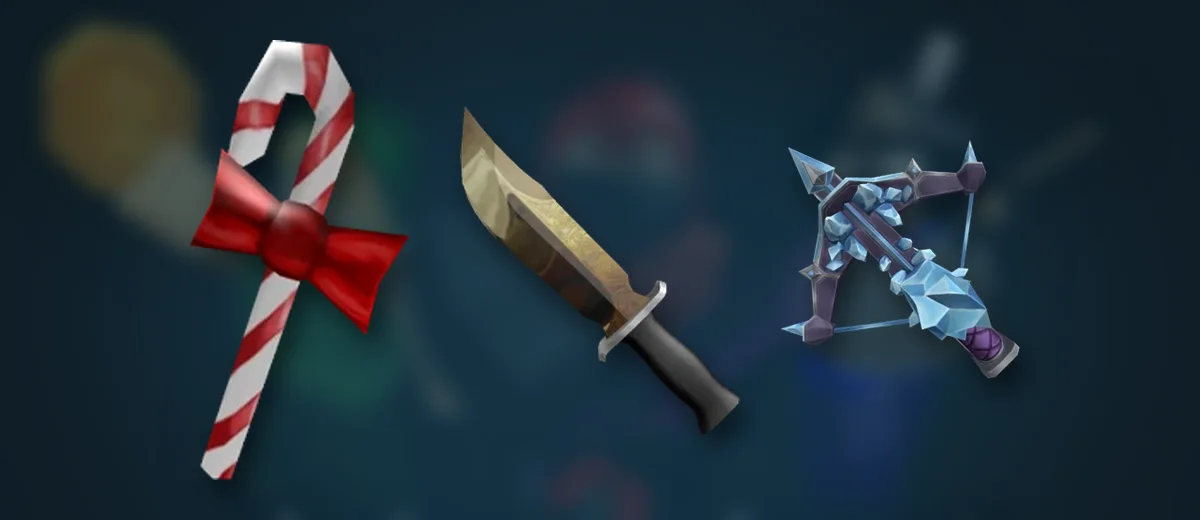
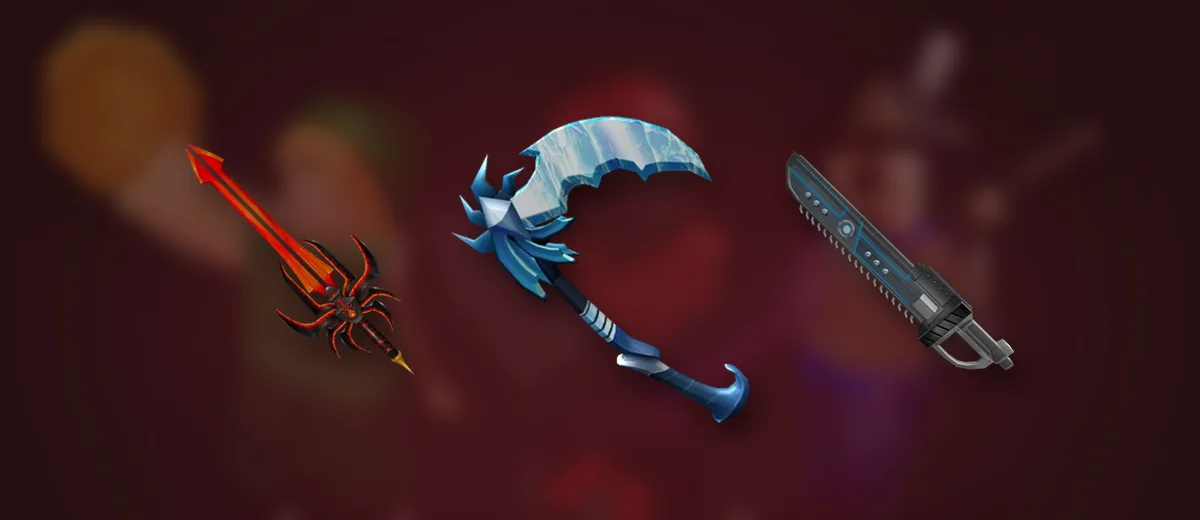
No. A box godly, an ancient like Icewing and the free default knife all throw and stab the same way. Rarity only changes how the knife looks, and how much it is worth in trades. See every knife ranked on the MM2 value list.
 Try it on BloxStonksMurder Mystery 2 ValuesEvery MM2 knife, gun and pet with its value score.→
Want a new knife? See how to get godlys in MM2, and check any trade first with the MM2 trade calculator.
Questions
How do you throw the knife in MM2 on PC?
Press 1 to equip the knife, then press E or right-click to throw it. Holding left-click also throws.
How do you throw the knife in MM2 on a laptop without a mouse?
Use the keyboard: press 1 to hold the knife and E to throw it, and aim with the touchpad.
How do you throw the knife in MM2 on mobile?
Tap the throw button, then tap the player you want to hit once they are fully loaded. A green icon shows on your target.
How do you throw the knife in MM2 on Xbox?
Press LB to equip the knife, LT to throw it and RT to stab.
Does a better knife throw better in MM2?
No. Every knife works the same; godlies and ancients only look different.
How we checked this
Every live number (in green) comes from our own Murder Mystery 2 data and updates with it. Game facts were checked against the sources below and written in our own words. Read our editorial policy.
- MM2 wiki: Murderer (controls)
- MM2 wiki: Trading
What changed
- First version.

We build the BloxStonks value lists, calculators and trackers, and write guides from the same data. Every number in our articles is pulled from our own game data when the page is built, so it updates when the game does.
Steal An EggBlox FruitsRoblox game data